Bowmore77 GCash Withdrawal: Step-by-Step Cashout Guide for Filipino Players
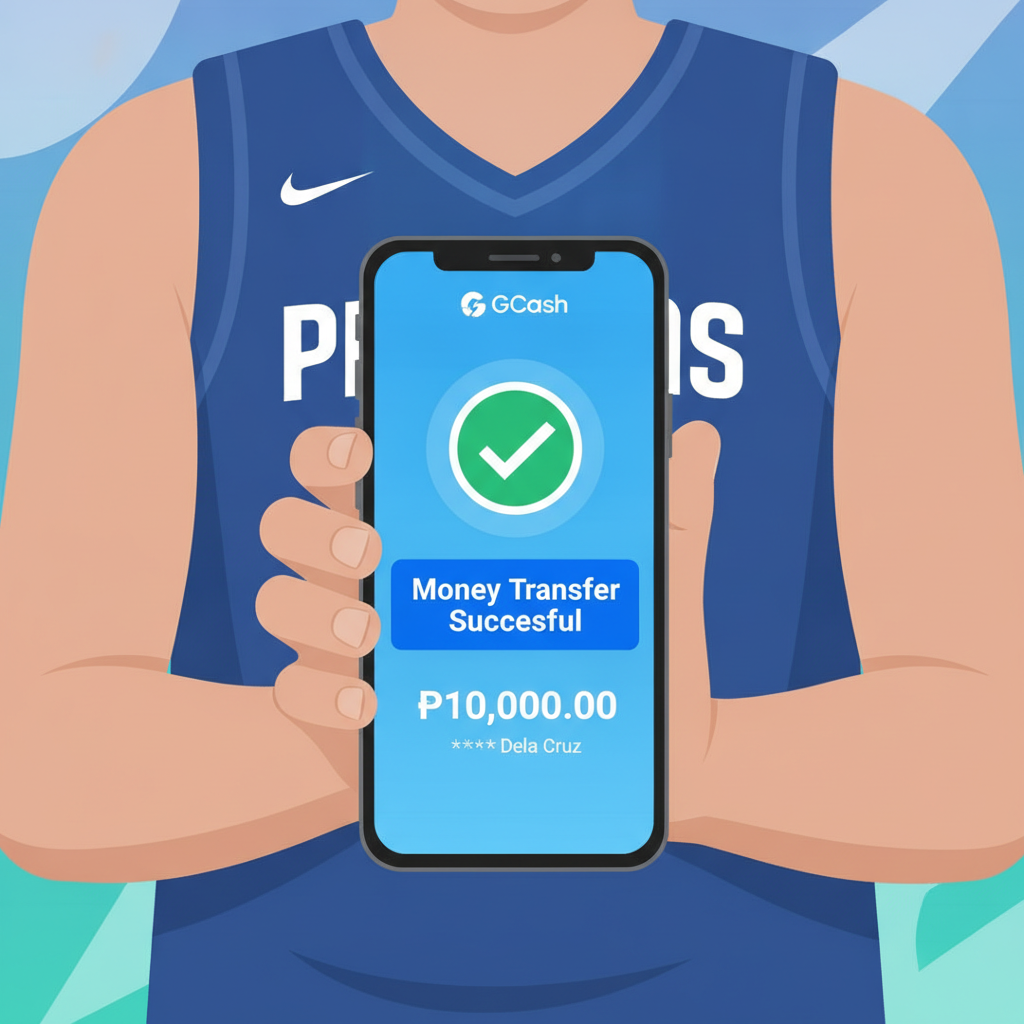
Finding the Withdrawal Page and Selecting GCash as Your Method
After you've won or accumulated funds in your Bowmore77 account, the first step to cash out via GCash is locating the withdrawal section. On mobile, tap the menu icon (usually three horizontal lines) at the top-left or top-right corner of the screen. Look for "Cashier," "Wallet," or "Withdraw"—the exact label depends on which version of the site or app you're using.
Once you're inside the cashier area, you'll see a list of available withdrawal methods. Tap GCash. It should appear alongside other e-wallet options like Maya and bank transfer methods such as InstaPay or PESONet. If GCash is greyed out or unavailable, check whether your account has completed identity verification; Bowmore77 typically requires at least one successful deposit and ID confirmation before unlocking withdrawals.
Make sure you have a stable internet connection. GCash cashouts are processed in real time on Bowmore77's side, but interruptions during submission can create duplicate requests or errors that delay your money.
Entering the Correct GCash Mobile Number and Amount
On the GCash withdrawal form, you'll see two required fields: your registered GCash mobile number and the amount you want to withdraw.
Mobile number format: Enter your 11-digit number starting with 09. Do not add +63, spaces, or dashes. For example, type 09171234567, not +63 917 123 4567 or 0917-123-4567. Bowmore77's system auto-validates the format, and incorrect formatting is the most common reason withdrawal requests fail immediately.
Amount: Type the peso amount you wish to cash out. The minimum is usually PHP 100, and the maximum per transaction varies—covered in the next section. You can only withdraw funds from your main wallet balance, not bonus or locked balances. If you recently claimed a promotion, check that wagering requirements are complete and that the bonus has converted to withdrawable cash.
Before tapping "Submit" or "Confirm," double-check both fields. Sending money to the wrong GCash number cannot always be reversed, and Bowmore77 support may take 24–48 hours to investigate and re-process a failed cashout caused by user error.
Daily and Per-Transaction GCash Withdrawal Limits
Bowmore77 sets limits to manage liquidity and comply with anti-money-laundering rules. As of early 2025, typical limits for GCash withdrawals are:
- Minimum per transaction: PHP 100
- Maximum per transaction: PHP 50,000
- Daily limit: PHP 100,000 across all withdrawal methods combined
These figures can change based on your account status. Players who have verified government-issued ID, completed a few deposits, and maintained their account for several weeks may see higher daily caps. Conversely, brand-new accounts or those flagged for unusual activity might face temporary reductions.
If you need to withdraw more than PHP 50,000 in one day, split the amount into multiple transactions. For example, two requests of PHP 50,000 each will stay within the daily PHP 100,000 ceiling. Submit them a few minutes apart to avoid triggering duplicate-request alerts.
GCash itself also enforces receiving limits. Standard GCash accounts can receive up to PHP 100,000 per month; fully verified accounts can accept PHP 500,000 per month. If you're close to your GCash monthly cap, consider switching to Maya or bank transfer for larger cashouts.
Common Errors (Mismatched Name, Wrong Number Format) and Fixes
Even careful players run into errors. Here are the issues Bowmore77 users report most often when cashing out to GCash, along with practical fixes.
Mismatched Name Error
Bowmore77 cross-checks the name on your casino account against the name registered to the GCash mobile number you provide. If they don't match, the system will reject the withdrawal and display an error message such as "Account name mismatch" or "Verification failed."
Fix: Log in to your GCash app and confirm the full name listed under your profile. Then check your Bowmore77 account details—go to "My Account" or "Profile" in the menu. If there's a spelling difference (for example, your casino account says "Juan Dela Cruz" but GCash shows "Juan C. Dela Cruz"), contact Bowmore77 support via live chat and ask them to update your registered name. Have a photo of your valid ID ready; they'll usually request it to verify the correction.
Do not create a second Bowmore77 account with a different name. Multiple accounts violate the site's terms and can lead to both accounts being locked and balances forfeited.
Wrong Number Format
Entering your number as +639171234567, 9171234567, or 0917-123-4567 will trigger a format error.
Fix: Always use the 09XXXXXXXXX format—11 digits, no country code, no spaces, no dashes. If the form rejects a correctly formatted number, clear your browser cache or restart the app. On Android, go to Settings > Apps > Bowmore77 > Storage > Clear Cache, then try again.
Insufficient Balance
You'll see this message if you try to withdraw more than your available main-wallet balance, or if a pending bonus has locked part of your funds.
Fix: Tap "My Wallet" or "Balance" to see a breakdown. Look for "Withdrawable Balance" or "Real Money." If a chunk of your total is labelled "Bonus" or "Locked," you must finish the wagering requirement or forfeit the bonus before you can cash out. To forfeit, contact live chat and ask them to cancel the active promotion; your remaining real-money balance will then become withdrawable.
Pending or Duplicate Request
Submitting the same cashout twice—often because the first tap seemed unresponsive—can create a "pending request" block.
Fix: Go to "Transaction History" or "Withdrawal History" in the cashier menu. If you see a request marked "Pending" or "Processing," wait. Bowmore77 usually completes GCash cashouts within 5 to 15 minutes during business hours. If a request sits pending for more than one hour, open live chat, provide the transaction reference number, and ask the support team to check the status. Do not submit another withdrawal for the same amount until the first is resolved; stacking requests can delay both.
GCash Account Not Verified
GCash requires users to upgrade to "Fully Verified" status to receive larger sums and avoid monthly caps. If Bowmore77 successfully sends your payout but GCash declines it, you'll receive a reversal notification and the funds will return to your casino wallet.
Fix: Open the GCash app, tap the profile icon, and follow the prompts to complete verification—usually uploading a selfie and a photo of your government ID. Once approved (often within minutes), return to Bowmore77 and resubmit the withdrawal.
Network or Server Timeout
Occasionally the cashout form freezes or displays "Connection error."
Fix: Check your mobile data or Wi-Fi signal. Switch networks if possible. If the problem persists, try logging out of Bowmore77, closing the app or browser completely, then logging back in. Server-side outages are rare but do happen during peak evening hours; wait 15–30 minutes and retry.
Bowmore77 GCash Withdrawal Time: What to Expect
Most GCash cashouts from Bowmore77 arrive within 5 to 15 minutes after approval. The site processes withdrawal requests in real time, provided all verification checks pass. You'll receive a confirmation email or SMS from Bowmore77 when the request is approved, followed shortly by a GCash notification that funds have been credited to your wallet.
Delays of one to three hours can occur if:
- You submit during off-peak hours (late night or early morning), when fewer finance staff are online to approve manual reviews.
- Your account is flagged for routine security checks—common after a large win or a first-time cashout.
- GCash itself experiences downtime or maintenance.
If your withdrawal has not arrived after 24 hours, contact Bowmore77 support. Provide your registered mobile number, the withdrawal amount, and the date and time you submitted the request. The team can trace the transaction on their payment processor and either re-push the payout or identify if GCash rejected it.
21+ Reminder and Responsible Gambling Note
Bowmore77 is strictly for players aged 21 and over. Online casino and sports betting carry real financial risk. Only wager money you can afford to lose, and never chase losses by depositing more than your budget allows.
If you find yourself withdrawing winnings only to re-deposit them immediately, or if gambling is affecting your daily life, seek help. The National Center for Mental Health in the Philippines offers confidential counseling, and organizations such as Gamban provide app-blocking tools to limit access to betting sites.
Set deposit and loss limits in your Bowmore77 account settings, and take regular breaks. Responsible gambling ensures that gaming remains entertainment, not a source of stress or debt.
Summary: Cashing out from Bowmore77 to GCash is straightforward when you use the correct 11-digit mobile format, stay within daily and per-transaction limits, and ensure your account name matches your GCash registration. Most withdrawals land in your wallet within minutes, but always double-check for pending requests and verify your GCash account status to avoid reversals. For further help with deposits, app installation, or account verification, explore the other guides on this site.